
Free Background Remover Online
Remove the background from images instantly and automatically with Designkit for free. No design skills are required.


Upload
Batch Upload
Click or drop to upload, paste files.
No picture on hand? Try with one of these


A Leader in Image Cutout Quality
Global Runner-up at the CVPR 2024 competition. Breakthrough research published at AAAI and CVPR.



Fast and Flawless Background Removal
Upload your photo, and Designkit will take care of the rest, from subject detection to background removal—no complex steps, no learning curve.
Fine-Tune Your Images Like a Pro
Whether it's soft hair, fabric edges, or shadows, Designkit preserves the fine details that matter most. You can also fine-tune edges and corners for greater accuracy to achieve a polished, professional finish.
Flawless Stamp and Signature Processing
Remove dull and faded backgrounds from signatures and stamps. Designkit identifies the details of each subject and prepares them for any layout - solid background or transparent PNG.
Perfect Cutouts for Every Use Case
Get flawless background removal no matter the image type.
E-Commerce
Portraits
Pets
Logo & Signature
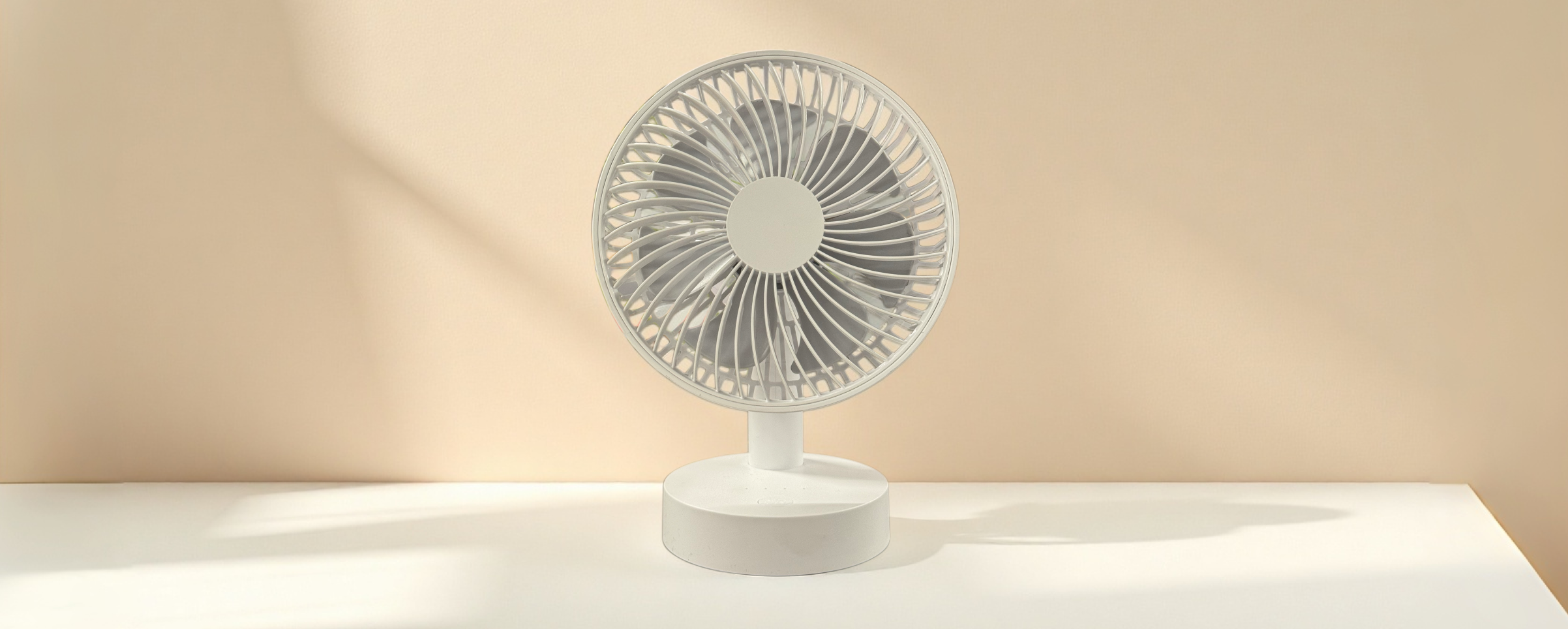
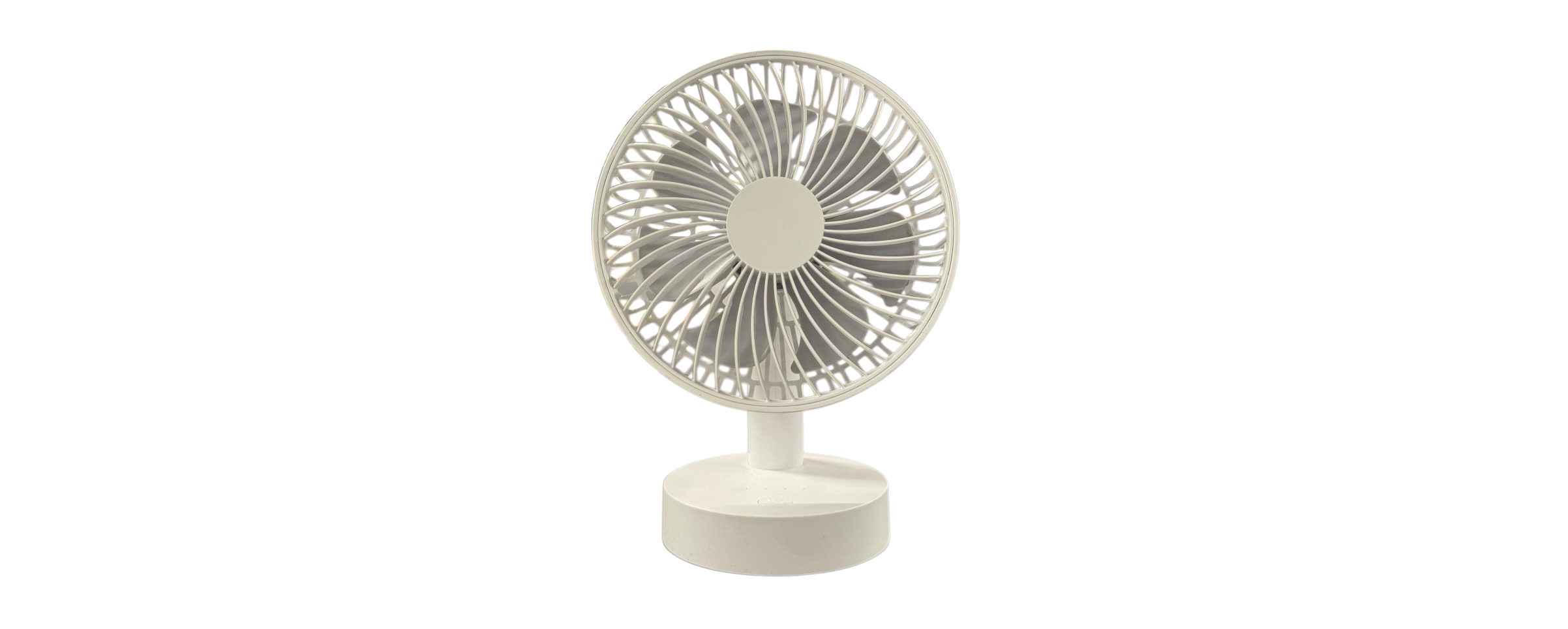
How do I remove background from images?
01
Upload your image
Choose an image from your device in JPEG, PNG, or WEBP format.
02
Al removes the background
Al editor tool identifies the subject and removes the background.
03
Edit or export
Download or use the built-in photo editor to edit the image.
FAQs
ls this tool free to use?
Can I change the background after the cutout is done?
Yes, after the cutout is complete, you can directly select a solid color, a gradient, or add a custom image as the new background using Designkit. The operation is simple, flexible, and fully customizable.
Which image formats are supported for cutout?
Designkit supports popular formats like JPG, PNG, and WEBP for upload. You can also export the final cutout as a transparent PNG for seamless integration into your other design projects.
Can I manually adjust the results if it is not accurate?
Absolutely. If the edges are not perfect after the automatic recognition, you can use the built-in editor to manually refine them to match your requirements.